Pixel UI
Pixel UI is a design aesthetic defined by bitmap fonts, sprite-like icons, heavily limited color palettes, worked in a palette of grey, teal, blue. As a look, Pixel UI is most associated with the 1980s. Related looks include Cassette Futurism, Global Village Coffeehouse.
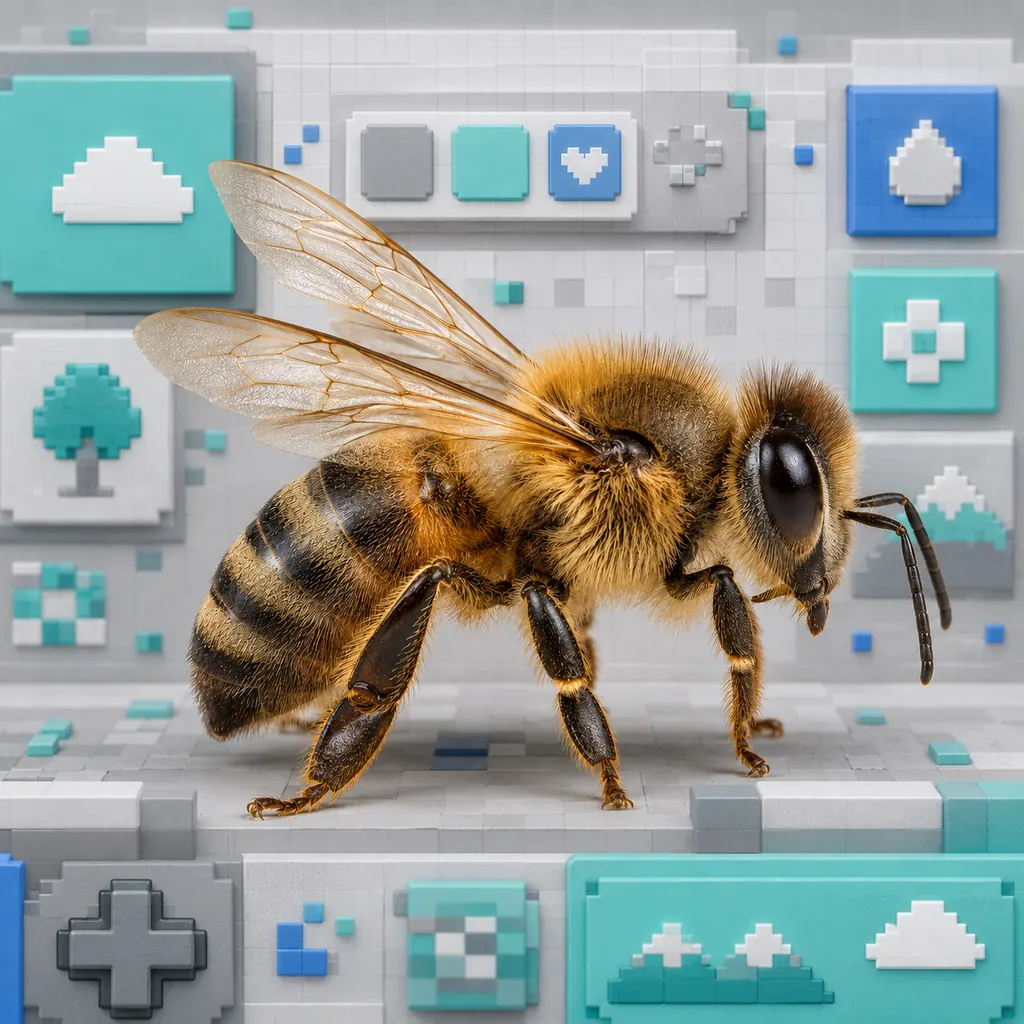
AI image prompt
Pixel UI aesthetic — Bitmap fonts, sprite-like icons, heavily limited color palettes, hardlined or embossed UI elements. Colour palette: Grey, teal, blue, white. Highly detailed, rich colour and texture, evocative mood, high quality.
What it is
Pixel UI is a design aesthetic built around bitmap fonts, sprite-like icons, heavily limited color palettes, hardlined or embossed UI elements. The Pixel UI palette works in grey, teal, blue, white. As a named look, Pixel UI is most associated with the 1980s. Beyond the essentials, the Pixel UI look leans on cascading windows and error messages and related details — 5 recurring motifs in all. Pixel UI sits within a family of related looks such as Cassette Futurism, Global Village Coffeehouse, Y2K Futurism, Frutiger Aero. Additionally, to recreate Pixel UI in an AI image tool using GPT Image or Midjourney, pair grey and teal tones with bitmap fonts and sprite-like icons, and keep a distinctive mood. For example, Pixel UI pairs naturally with Cassette Futurism and Global Village Coffeehouse on a shared mood board.
Palette
Grey, teal, blue, white
Motifs
Bitmap fonts, sprite-like icons, heavily limited color palettes, hardlined or embossed UI elements, cascading windows and error messages
Related vibes
More vibes every week
Vibeboard is a free visual reference. Bookmark it, and copy a ready-to-use AI image prompt from any vibe.
Browse all vibes →